

Transforming a marketing agency into a marketing platform
It may surprise you that a dashboard is my favorite project so far.
It’s a testament to my growth as an AI strategist, designer, marketer, and decision maker, and I’m deeply grateful for the experience. Enjoy!
Background
When I first joined Incendium, I was brought on to design a dashboard - a tool that would give clients real-time access to campaign progress, leads, and outreach. It was my first real design job out of bootcamp and I was pumped. But once I got in, I realized quickly: there were huge roadblocks to making this project happen. We didn’t have the technical resources, and no one had the time or money to build out the infrastructure needed to support it. The project quietly died; something I took personally. No animosity toward anyone on the team, I felt responsible for the project not going forward.
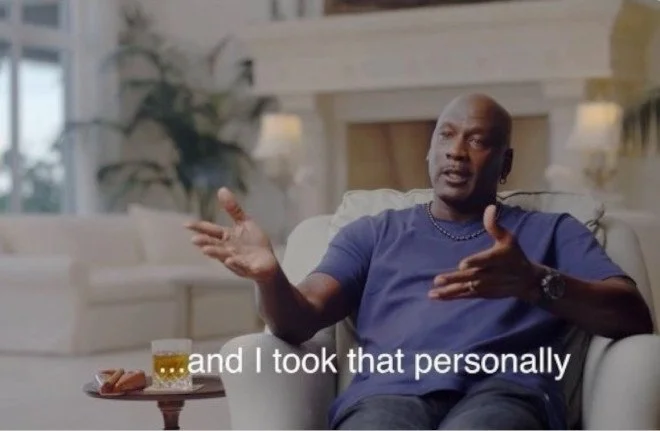
John pictured, reacting to the dashboard being shelved
Why I Came Back to It
That failure stuck with me. I knew the idea was strong, and I couldn’t shake the feeling that it should’ve worked. Around a year later, when AI tools started hitting the market, I saw an opening. We had restarted the dashboard project, but I was only responsible for implementing what was given to me as the web designer. The function of the dashboard was left to someone else.
While this was going on, I saw an ad for the now shuttered Lazy AI, a web development tool using AI prompts - and it clicked. I realized I could actually build a functional prototype myself without waiting for a dev team. No more bottlenecks. No more excuses.
This wasn’t just about saving time. It was about proving to myself (and the company) that we could turn a great idea into a real, working tool. I wasn’t asked to revisit the project. No one expected it. But I did it anyway.

No one expected it.
But I did it anyway.
What
We Were
Working
With
Before bringing in Lazy AI, we had a clunky Google Sheet embedded into a client portal.
It was static, unfriendly, and completely one-sided. Clients couldn’t interact with it, make updates, or take action on anything. It was a glorified spreadsheet dressed up as a dashboard. There were solid ideas but it was clear that they were not being realized.
The team was fine with this as it seemed like the best we could do with our resources, but personally, I could not stand it. I had just finished redesigning the entire website and I did what I could to dress it up, but this felt like a black eye on my work.
See a problem,
Fix a problem.
I picked up a free Lazy AI account and started prototyping in my off hours. In just a few days, I built a functioning version of the dashboard we’d originally imagined - one that pulled live data, allowed clients to take action directly, and started to look like it actually belonged in our platform. I showed it to Anthony Cicconi, our CFO, got budget for a more robust version, and brought it to the founder. The potential was immediately visible to everyone.
While this lo-fi prototype may not look like much, it represented the capabilities that we were desperately looking for. Most importantly to a start-up, it cost roughly $20 a month and the resources allocated from Google Cloud were so low that the price at scale was negligible.
This was the answer we were looking for.
All systems go
With the go-ahead from the higher ups, I got to work fully implementing my vision for what this dashboard could truly achieve. The goals were simple, it had to be:
Fully automated, taking workload off associates
Live updating. No more angry emails from clients because the metrics aren’t up to the minute
Interactive, put the levers in clients’ hands and empowering them to make quick actions on data from campaigns
With these tenants in mind I designed a straightforward and visually pleasing interface that accomplished all of these goals, and even topped it off with a cute loading animation. Working with AI requires patience and a clear vision and in the end I am very pleased with the results. You check it out below!
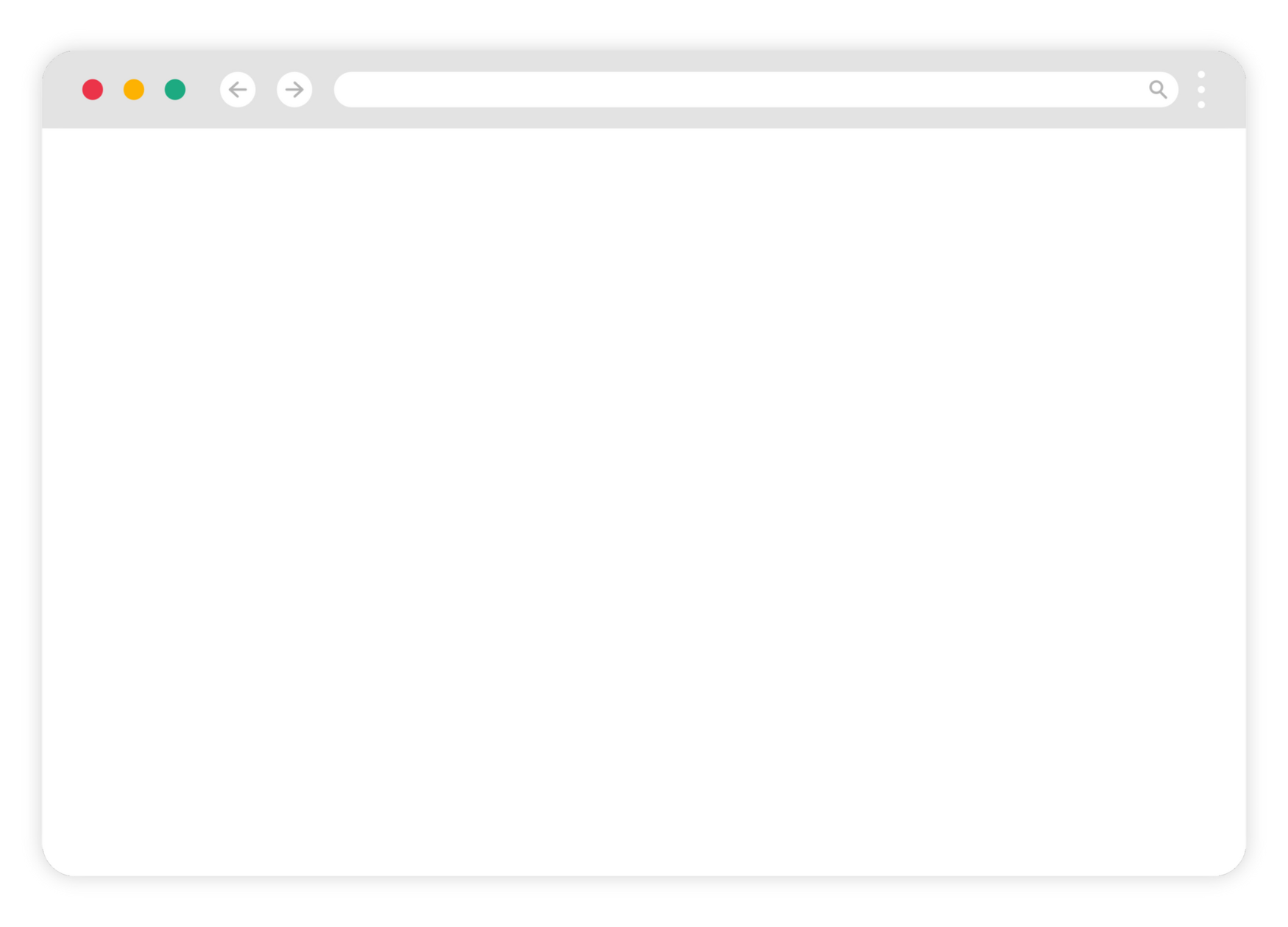
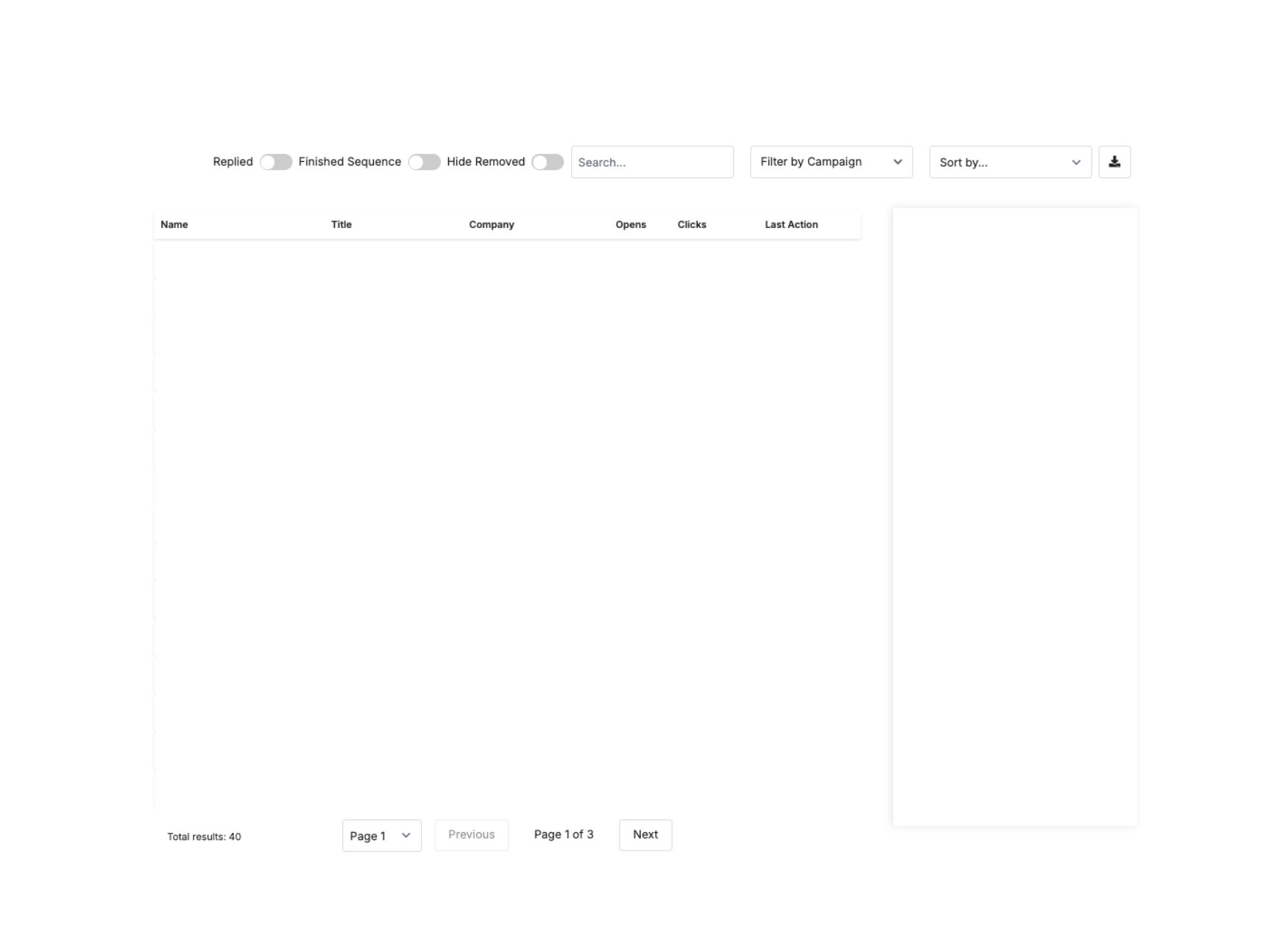
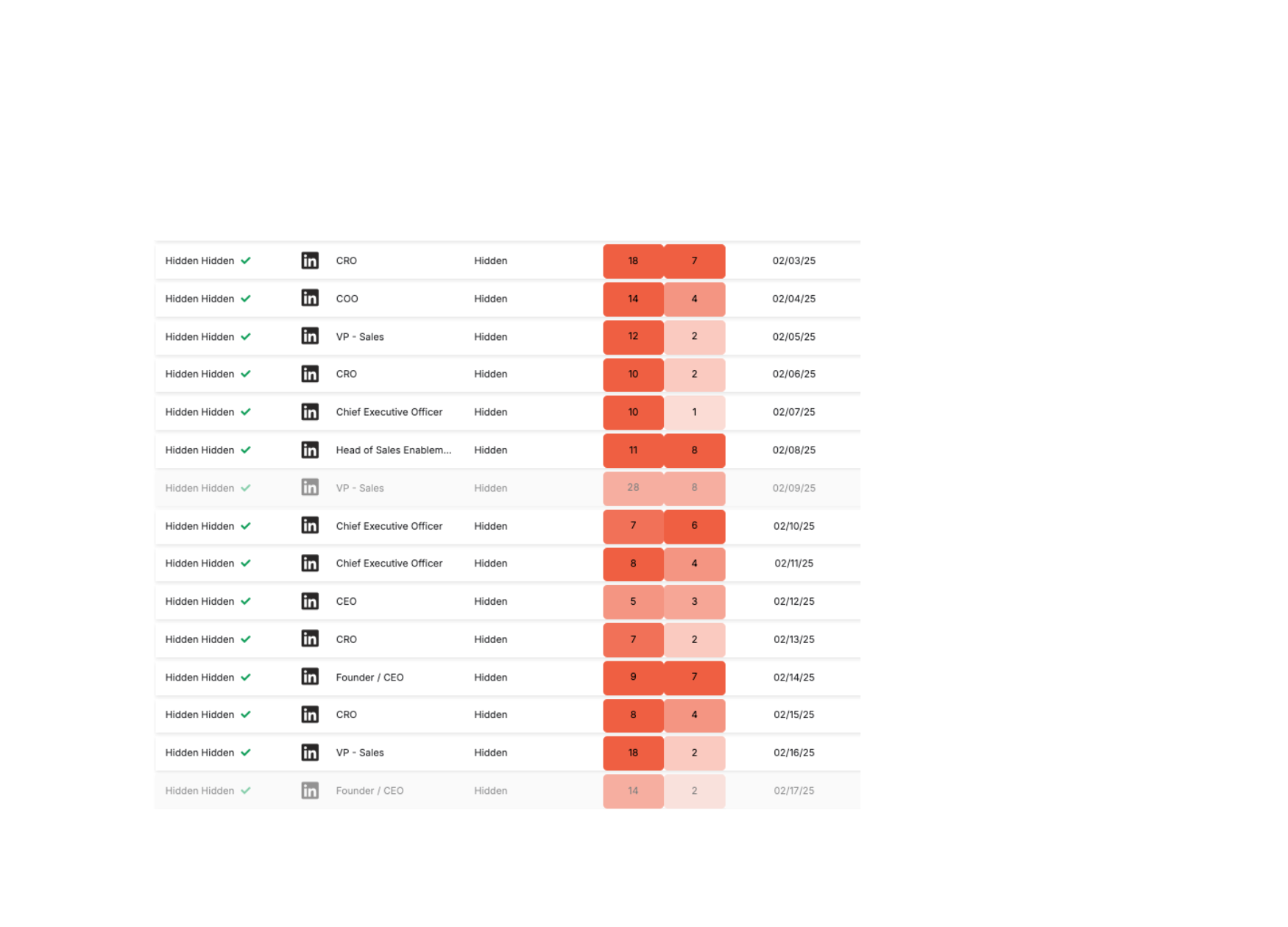

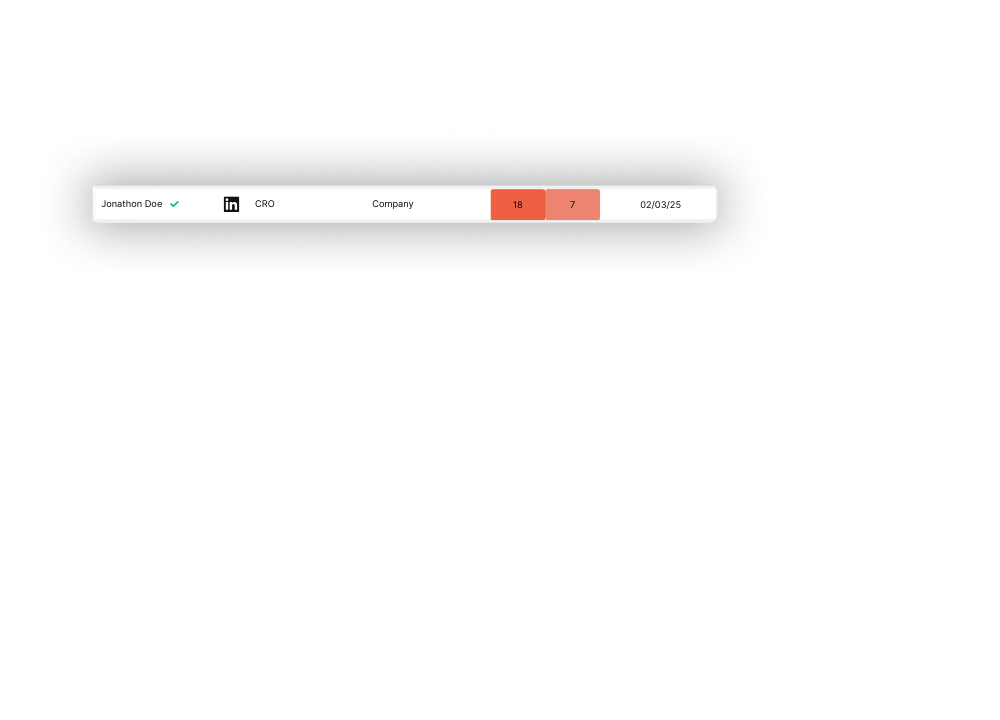

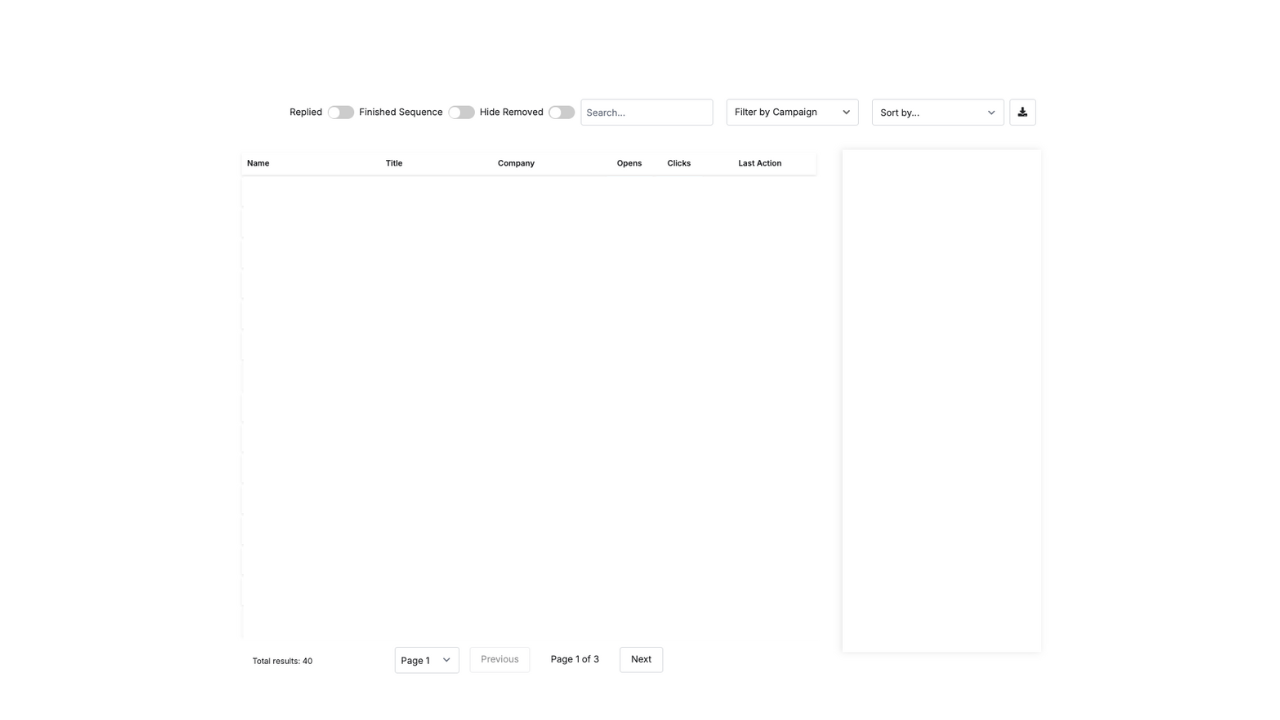
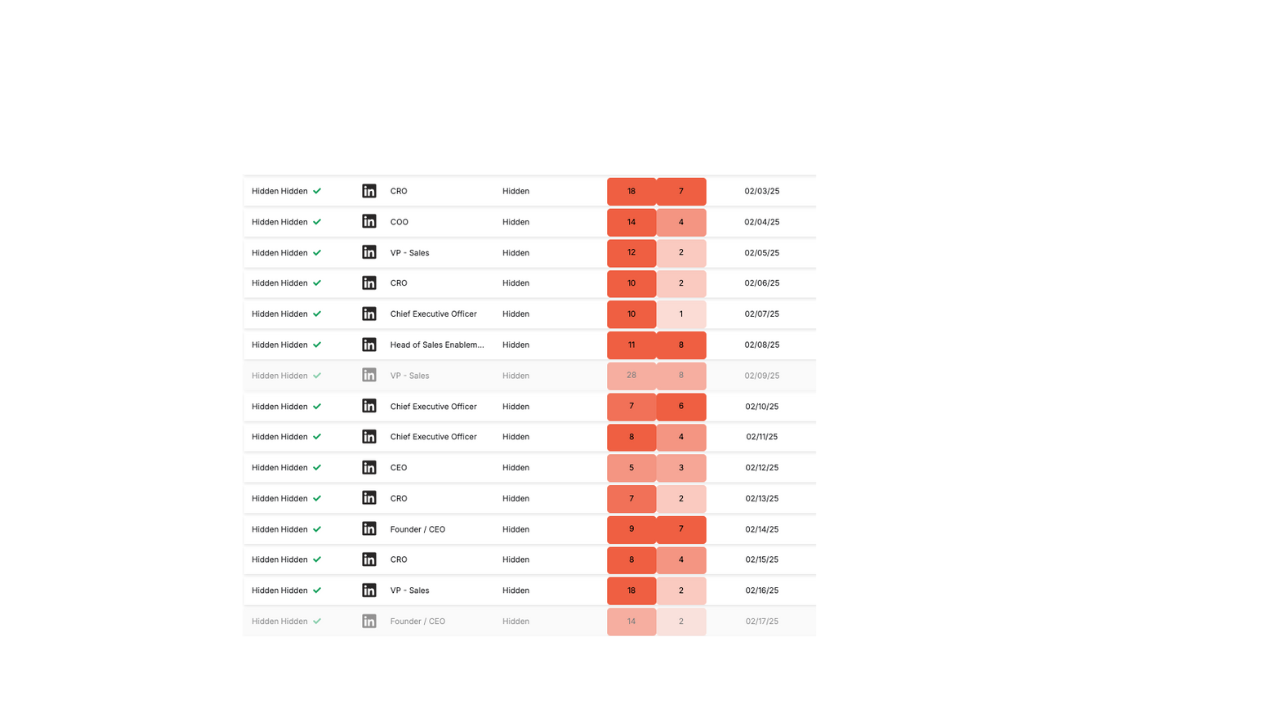
Readiness to engage Color coded open and click metrics so the client knows exactly who to engage with.
Last Action Date No more guessing about when the prospect last interacted with your outreach.
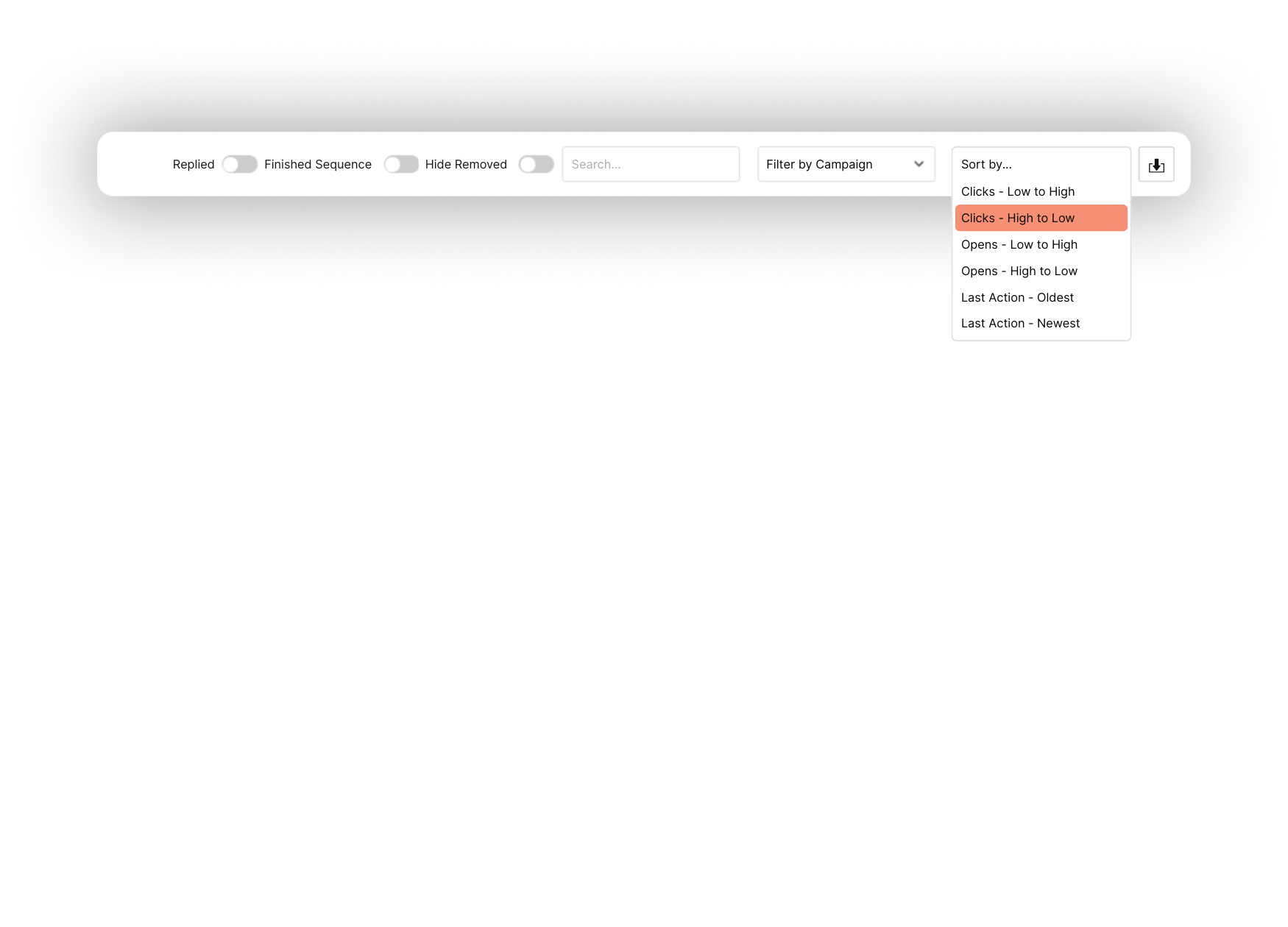
Search and Filters Search for prospects based on a number of variables, from a name or company to more detailed information like location.
Download Spreadsheets are still useful. Users can download the list to work with the data however they choose.
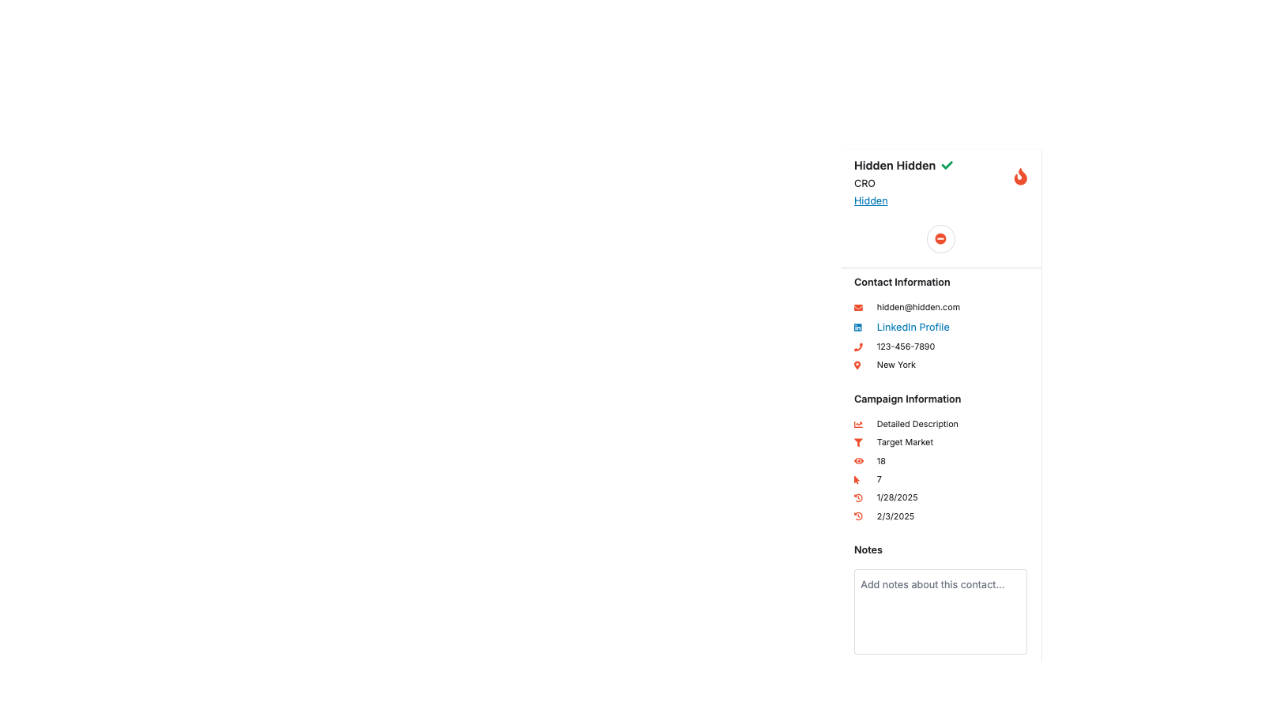
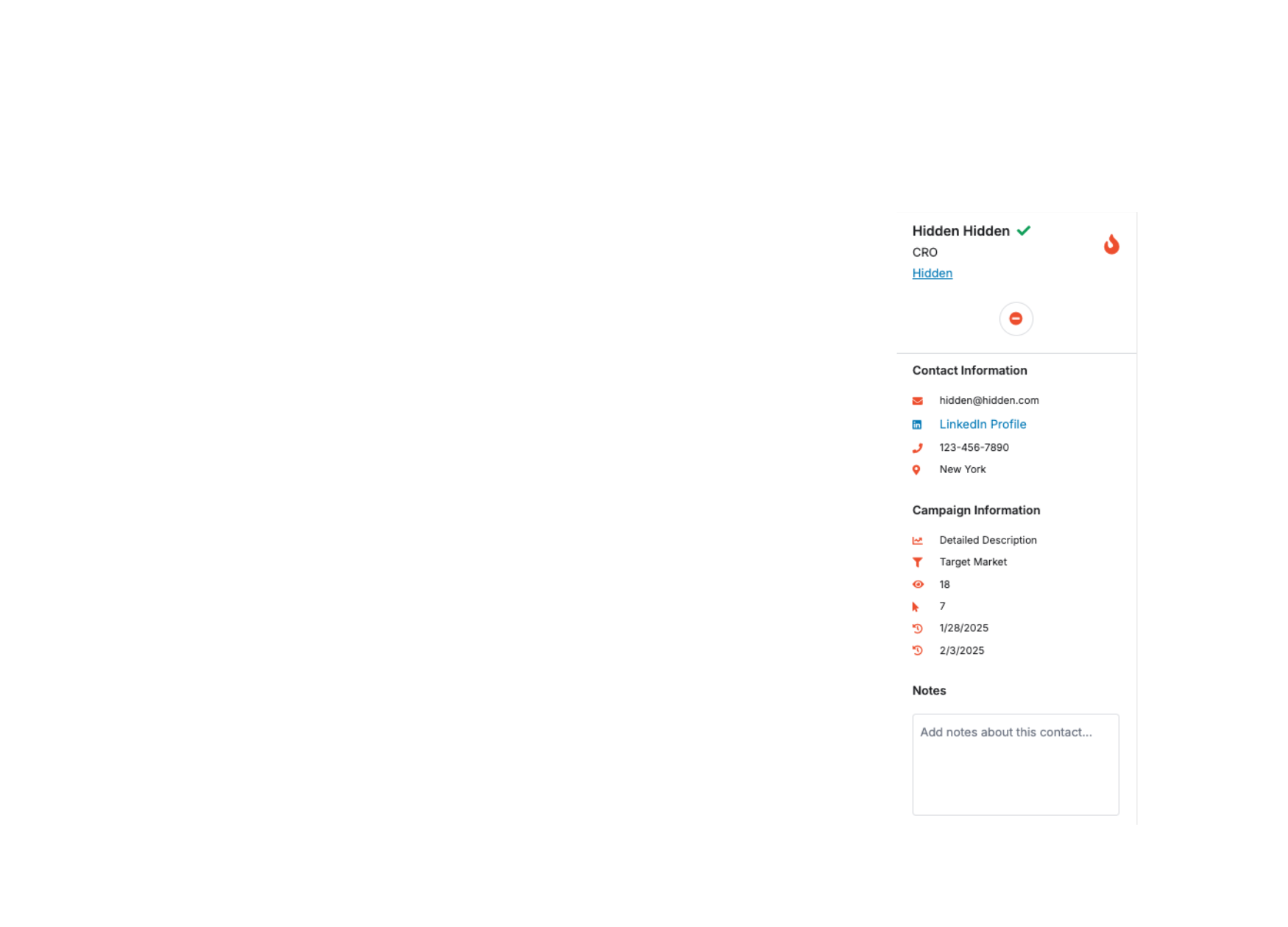
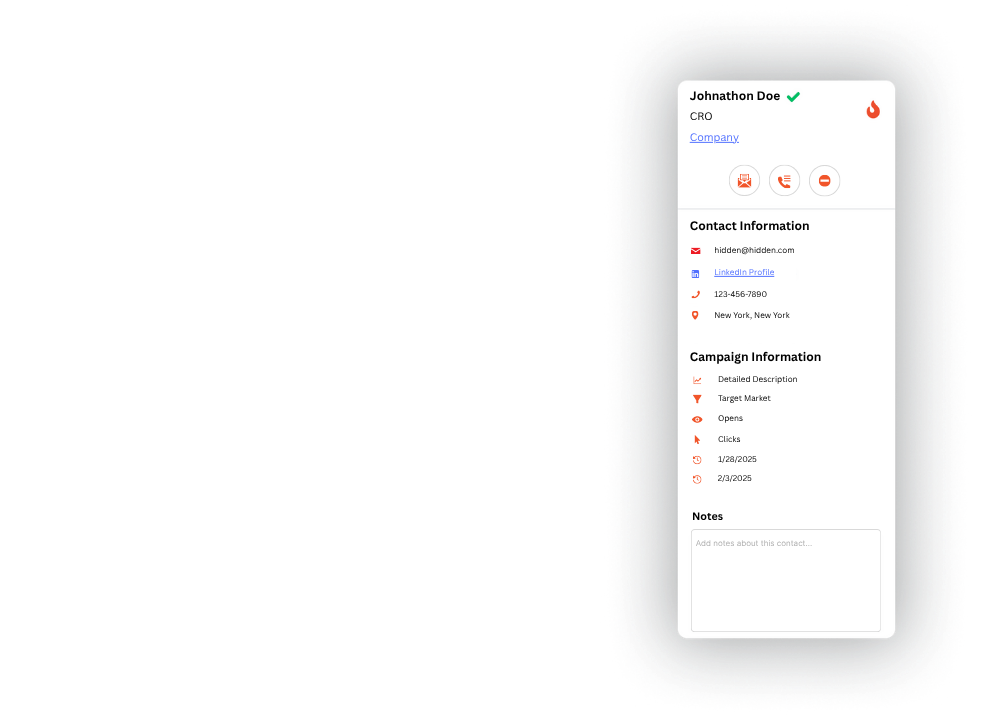
Prospect actions Custom quick actions that communicate with the client CRM. Send to newsletter or call list, or remove from outreach.
Advanced information Key details at a glance without scrolling rows of cells.
What I Learned
This was more than just a design win. It was a moment where I turned a dead project into a flagship offering - with zero dev support, just grit and timing. I learned how to push past resource limitations, how to prototype with AI, and how to bring stakeholders back into a project they had written off. I also learned that if you want something built, sometimes you have to stop waiting and build it yourself.
One more thing…
Here’s the kicker: Lazy AI ended up becoming one of our clients. That alone increased my value to the company - not just as a designer, but as someone who could identify new tech, move fast, and open new doors. The dashboard became a talking point in client meetings. It wasn’t just a feature - it was proof we were evolving.